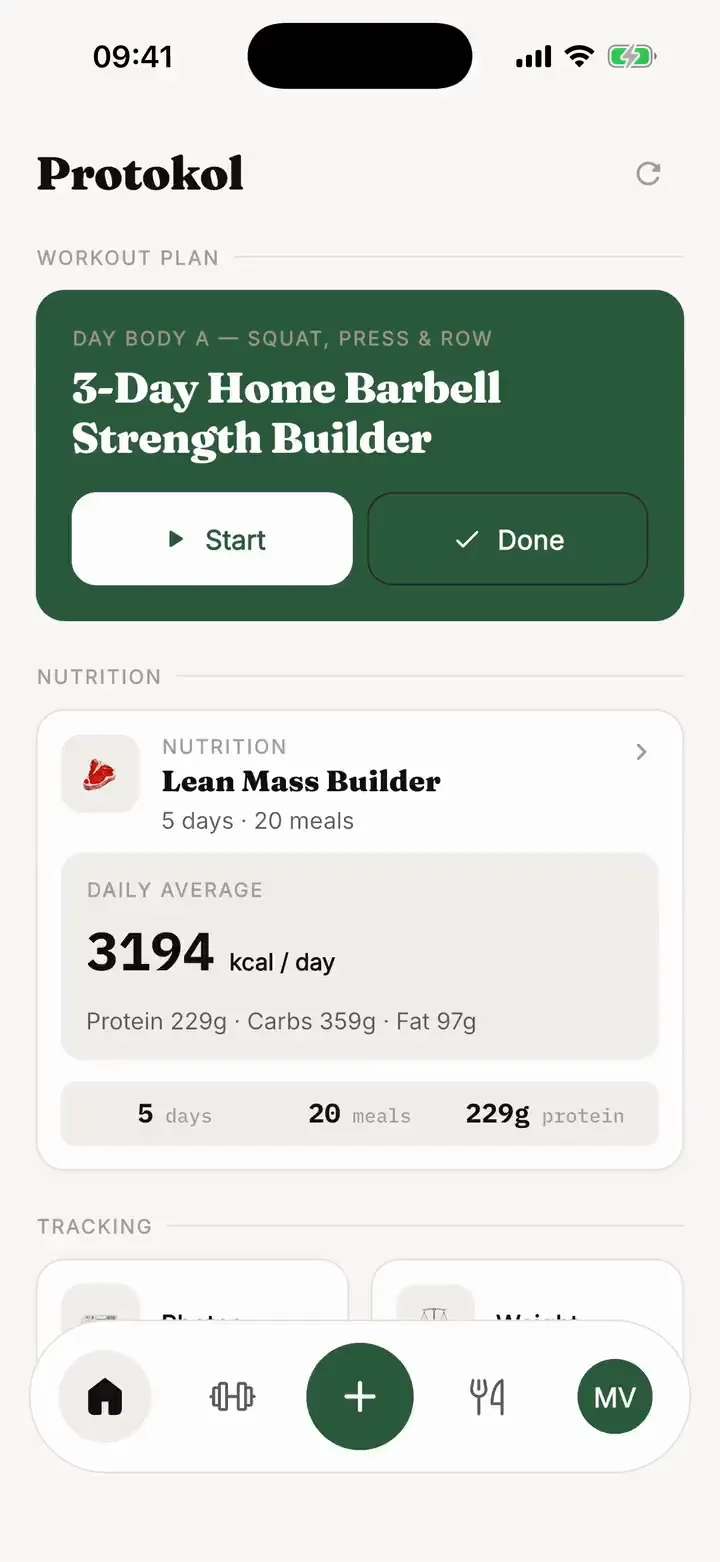
Build a plan from exercises
Choose exercises from the library, set the sets and reps for each one, and arrange them across your training days. You can add rest breaks between exercises and group exercises into circuits. Star the exercises you use most, then filter the lists down to your favourites when you add to a plan.
Start from an AI draft
If you would rather not begin with a blank page, describe your goal in the AI builder and get a draft workout plan back. Every part of it stays editable. Later, ask the AI coach in the plan chat for a change: you see a preview of what it proposes before anything is applied, and you can undo it afterwards.
Follow the plan in the workout player
The workout player walks through your day exercise by exercise. It plays the exercise video for each set, counts down your rest between sets and asks how much weight you lifted once a set is done. The weight field is pre-filled with your last weight for that exercise, and you can skip it. Weights are saved per exercise, so your history carries over when you move to a new plan, and you can open a progress chart for any exercise.
Share a plan with a link
Send a workout plan to a friend, a training partner or a client as a link. Opening it in Protokol shows the plan as a card that you can preview. If you already have an account, the plan is added to it. If you do not, you can look at it as a guest and create an account to keep it.
iPhone, Android and 19 languages
Protokol is available on the App Store and Google Play, and the app is translated into 19 languages. Prices are shown on the store listings.
See also: Meal planning app, or go back to the Protokol home page.